About this Article
MAST StaffComing to an HST Search Form Near You: Preview Images
The HST Search Form has a new feature: image previews! For datasets with compatible images, you can now browse previews before you download the data, making it easier to be sure you've selected the right one.
Awesome! How do I do this?
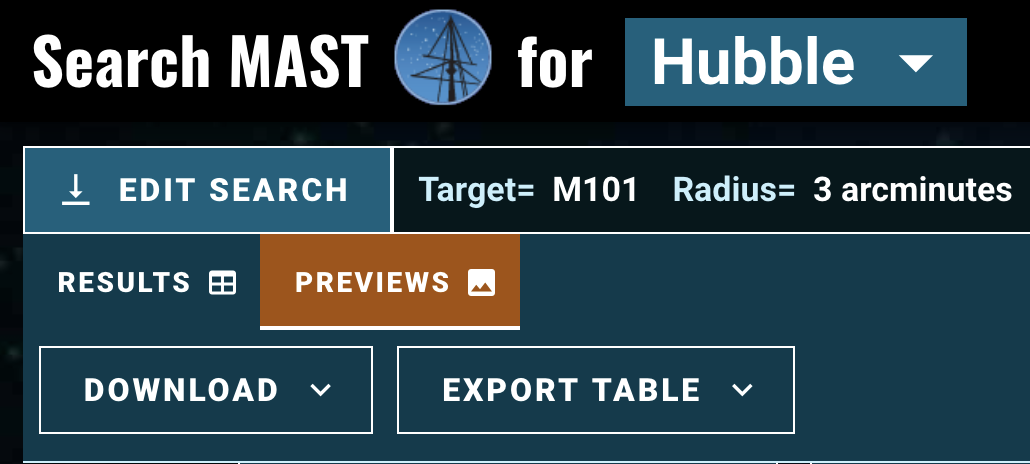
After entering your search criteria in the form, you'll be taken to the results page. From here, a 'previews' option will appear in the upper left (see figure 2). If you've searched for image data with compatible results, you should see previews!
As in the results tab, you can select datasets for downloading by clicking the checkbox (see figure 1, left). Your selections are synchronized as you toggle between results and previews!
Which datasets are compatible?
For HST, any datasets containing a valid "thumbnail"-type file (e.g. DRZ_THUMB, WHT_THUMB) will be displayed. To preserve bandwith, we display these images at a low resolution (typically 128x128 pixels); to see the full-sized preview, you can click the "expand" button to the left of the preview count.
I have another question / want to tell you this is great
See the Image Previews Documentation or send an email to archive@stsci.edu
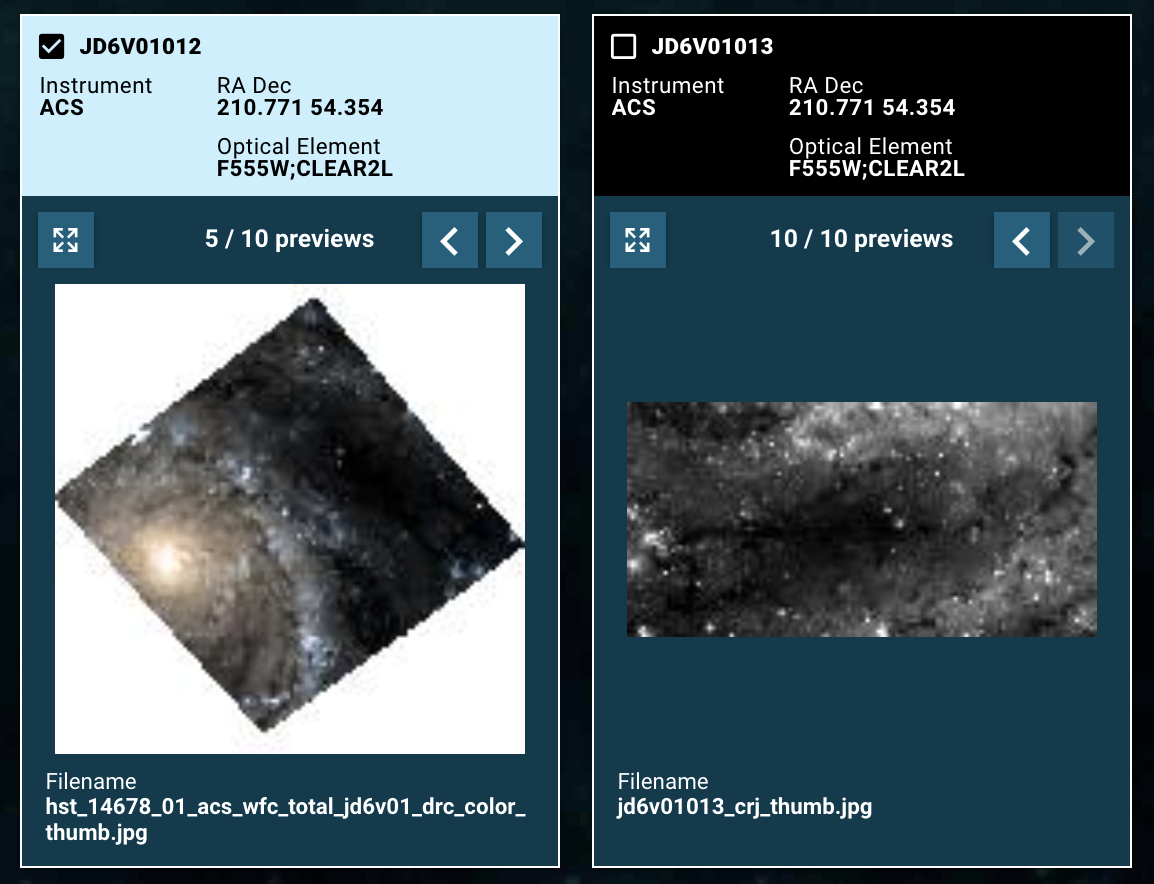
Left: The image at left is in color, and the corresponding dataset has been selected for the download.
Right: This is a black and white image whose corresponding dataset has not been selected.